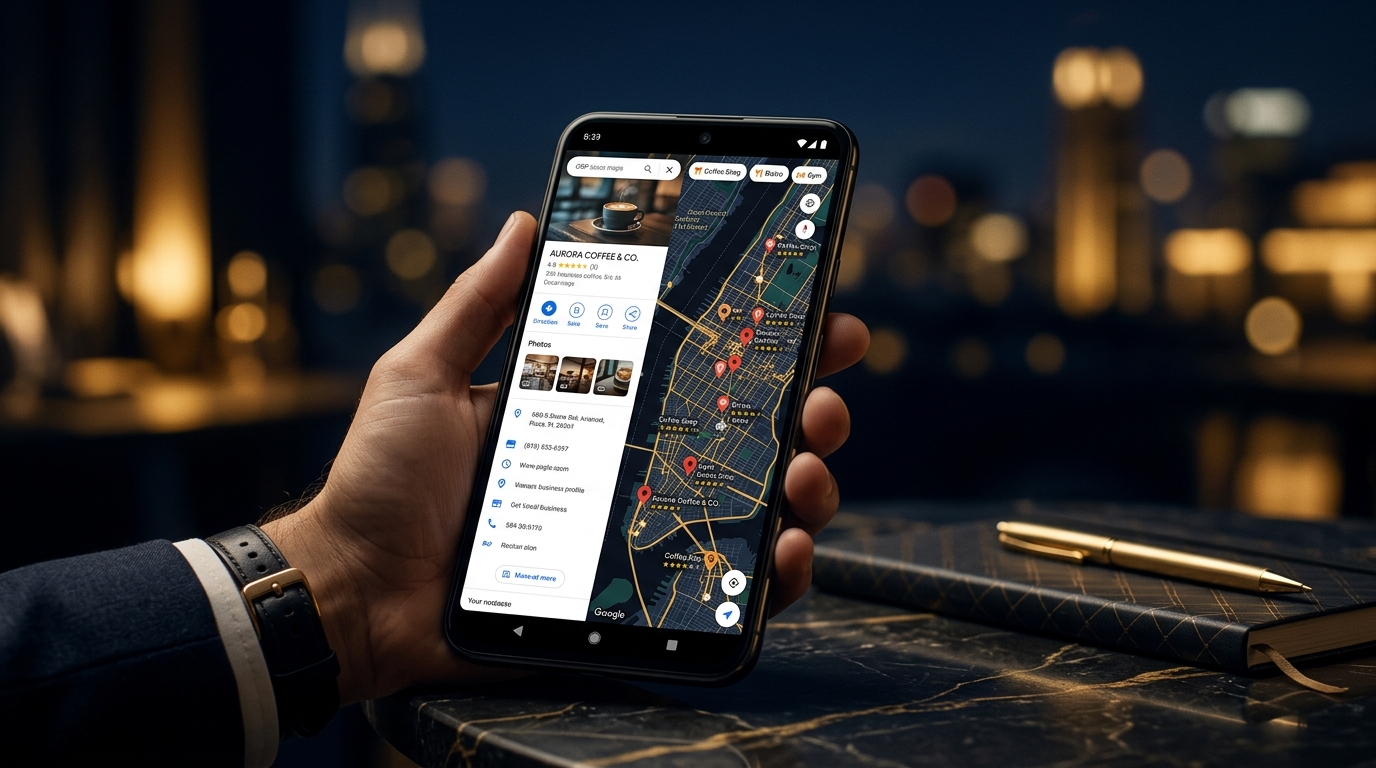
पुणे, नाशिक, नागपूर किंवा Maharashtra मधल्या कुठल्याही शहरातून जा — customers हातात phone घेऊन जवळचा doctor, mechanic, restaurant किंवा कपड्याचे दुकान Google वर शोधत असतात. जर तुमचा business त्यात दिसत नसेल, तर दुसऱ्याचा दिसतो.
Google Business Profile (आधी Google My Business म्हणून ओळखला जात होता) — हे एक free tool आहे जे local business साठी सर्वात महत्त्वाचे आहे. या guide मध्ये basic setup पासून ते advanced optimization पर्यंत सगळं आहे.
Google Business Profile म्हणजे काय आणि ते का महत्त्वाचे आहे?
जेव्हा कुणी "bakery near me" किंवा "plumber in Pune" असं search करतं, तेव्हा Google एक map section दाखवतो ज्यात तीन businesses दिसतात — याला Local Pack म्हणतात. इथे दिसणाऱ्या businesses ला regular search results पेक्षा जास्त calls आणि visits मिळतात.
तुमचा Google Business Profile म्हणजे हे listing populate करण्यासाठी Google वापरतो ती माहिती — तुमचं नाव, address, phone, वेळ, photos, reviews. Profile नाहीये किंवा poorly managed आहे — तर nearby customers तुम्हाला शोधूच शकत नाहीत.
Step-by-Step: Google Business Profile कसा Setup करायचा
Step 1: Profile Claim किंवा Create करा
business.google.com वर जा आणि Google account ने sign in करा. तुमच्या business चं नाव search करा. जर already आहे (Google कधी कधी automatically basic listing बनवतो), तर claim करा. नसेल तर नवीन add करा.
Step 2: योग्य Business Category निवडा
Primary category हा local search मध्ये सर्वात महत्त्वाचा ranking factor आहे. Specific असा — "Dental Clinic" हे "Health & Medical" पेक्षा बरं आहे. Secondary categories पण add करता येतात.
Step 3: Business Verify करा
Google ला confirm करायचं असतं की तुम्ही खरंच त्या business चे owner आहात. सर्वात सामान्य method म्हणजे तुमच्या business address वर एक postcard येतो ज्यात verification code असतो. Verification शिवाय profile ची visibility खूप कमी असते.
Step 4: सगळे Sections पूर्ण भरा
Google complete profiles ला reward करतो. हे सगळं fill करा:
- Business नाव (board वर जसं आहे तसंच)
- पूर्ण address — locality आणि PIN code सकट
- Phone number (local number prefer करा)
- Website URL (असल्यास)
- Business hours — holiday hours पण
- Business description (750 characters, keywords naturally वापरा)
- Services किंवा products list
- Opening date
- Attributes (parking, payment methods, accessibility इ.)
Photos: सर्वात जास्त दुर्लक्षित Feature
Photos असलेल्या businesses ला जास्त direction requests आणि website visits मिळतात. तरी बहुतेक local businesses एकतर photos नाहीत किंवा वर्षांपूर्वी काढलेले blur photos upload केले आहेत.
काय upload करायचं:
- Cover photo — दुकानाचा बाहेरचा भाग किंवा सर्वात ओळखीचा photo
- Interior photos — customers येण्याआधी जागा पाहू शकतात
- Product/service photos — तुमच्या कामाचे real photos, stock नाहीत
- Team photos — human face दाखवल्याने trust वाढतो
- Before & after photos — salon, repair, renovation साठी खूप effective
सुरुवातीला किमान 10 चांगले photos upload करा आणि नियमित नवीन photos add करत राहा. Google activity notice करतो.
Google Reviews: कसे मिळवायचे आणि कसे reply करायचे
Reviews हे local ranking मधले top factors आहेत — आणि customers तुम्हाला contact करण्याआधी हेच पाहतात. 50+ genuine reviews असलेला business जवळजवळ नेहमीच 5 reviews असलेल्या competitor ला मागे टाकतो.
Reviews कसे मिळवायचे
- समाधानी customers ला थेट विचारा — चांगला experience असेल तर ते आनंदाने देतात
- Business Profile dashboard मधून short review link बनवा आणि WhatsApp वर शेअर करा
- Invoice किंवा receipt वर "Google वर review द्या" असं लिहा
- Reviews साठी कधीही incentive देऊ नका — Google हे prohibit करतो
Reviews ला Reply कसा करायचा
प्रत्येक review ला reply करा — positive असो किंवा negative. Positive साठी brief, warm thank-you पुरे. Negative साठी professional राहा, concern acknowledge करा, आणि offline resolve करण्याचा offer द्या. तुम्ही कसे respond करता हे future customers ला review इतकंच सांगतं.
Google Posts: तुमच्या Profile चा Built-in Feed
बहुतेक businesses हे feature कधी वापरत नाहीत. Google Posts ने तुम्ही updates, offers, events, आणि products थेट तुमच्या profile वर share करू शकता. आठवड्यातून एकदा post केल्याने profile active राहतो आणि Google ला signal जातो.
सामान्य चुका ज्या Rankings खराब करतात
- Inconsistent NAP — तुमचं नाव, address, phone number website वर, social profiles वर आणि GBP वर सगळीकडे एकसारखं असायला हवं.
- Q&A section दुर्लक्षित करणे — कुणीही questions विचारू शकतं आणि कुणीही answer देऊ शकतं. Common questions स्वतः seed करा, नाहीतर चुकीची उत्तरे येऊ शकतात.
- चुकीची Business Category — हे कुठल्या searches मध्ये दिसता हे ठरवतं. चांगले rank होणाऱ्या competitors च्या categories compare करा.
- Holiday hours update न करणे — Customers आले आणि बंद असलं तर bad review येतो.
- Photos नाहीत किंवा जुने photos — पहिली impression matter करते. Photos नसतील तर customers call करण्याआधीच जातात.
GBP Optimisation Checklist
- Profile claimed आणि verified
- Business नाव, address, phone accurate आणि consistent
- Primary category बरोबर set केली
- Business description मध्ये relevant keywords naturally आहेत
- Hours complete आणि up to date (holiday hours सकट)
- किमान 10 high-quality photos upload केले
- Services किंवा products list भरली
- किमान एक Google Post publish केला
- Q&A section मध्ये common questions seed केले
- सगळ्या reviews ला reply दिले
वारंवार विचारले जाणारे प्रश्न (FAQ)
Google Business Profile free आहे का?
हो, पूर्णपणे free. Profile बनवायला, verify करायला, manage करायला Google काहीही charge करत नाही. Google Ads run करायचे असतील तरच पैसे लागतात.
Google Maps वर rank होायला किती वेळ लागतो?
Fixed timeline नाही. कमी competition असलेल्या area मध्ये काही आठवड्यांत results दिसू शकतात. पण competitive markets मध्ये — reviews, posts, photos, NAP consistency — सगळं consistent ठेवत 3–6 months लागू शकतात.
GBP साठी website असणं आवश्यक आहे का?
नाही. Website नसलेले बरेच small businesses फक्त Google Maps वरून चांगले enquiries मिळवतात. पण website असली तर local SEO खूप मजबूत होतो.
GBP मी स्वतः manage करू का की agency लागेल?
Basic setup, photos, reviews, hours — हे तुम्ही स्वतः करू शकता. Advanced optimization साठी — category strategy, citation building, multiple locations — agency उपयुक्त ठरते.
शेवटचा विचार
Google Business Profile हे setup करून सोडायचं tool नाही. Local search मध्ये consistently top वर दिसणारे businesses ते असतात जे regularly photos add करतात, reviews ला respond करतात, आणि posts publish करतात.
Maharashtra मधला local business owner असाल आणि GBP अजून fully optimize केला नसेल — या आठवड्यातच सुरुवात करा. तुमच्या Google Business Profile साठी help हवी असेल तर Nexventa ची team तुमच्यासाठी आहे. आत्ताच संपर्क करा.